
 By
By Hi climbers,
We work hard to make our games as accessible as possible and for Cairn we have some features like the Rewind that will make a big difference. Here’s a short video presenting Cairn’s accessibility features, as originally shown in the Access-Ability showcase. Watch the video below, and keep reading to get a more in-depth list.
Fall Rewind
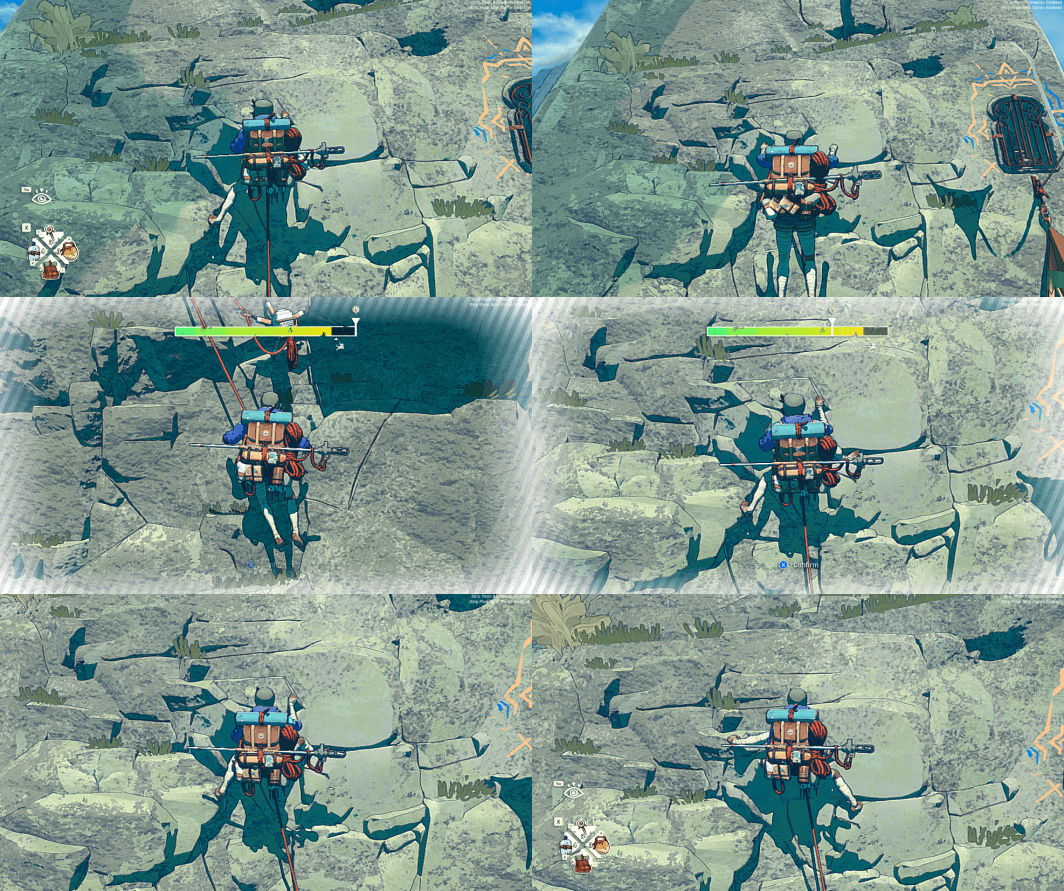
Rewind is our key accessibility feature. Climbing is challenging, and everything can change in the blink of an eye. With rewind, you can get back to where you were before you made a mistake. This allows you to try again right in the midst of the action, and also to experiment!
Rebind All Inputs
Another feature we know players will appreciate is the ability to rebind all inputs. While the climbing inputs are simple, we know everyone has a preference on how to map their controller or keyboard. This will also allow Cairn to function on most adaptive controllers.
Difficulty levels and Assist Mode
There are 3 different difficulty levels: Explorer, Alpinist, and Free Solo. In Explorer and Alpinist there is an Assist Mode, with different options which greatly reduces difficulty. You can chose to toggle:
- Fall Rewind – to recover from any fall
- Infinite climbing gear resources – you have infinite supply of pitons, chalk and tape
- Auto-saving – saving when you reach solid ground
- No survival – you will never be hungry, thirsty or cold.
Cairn also lets you select your route, which also allows you to control the difficulty level of your ascent.
Breathing Feedback
The breathing feedback option lets you visualise Aava’s efforts. We’re hoping this feature can help climbers with hearing disabilities, let us know if it does and how we can improve!
More accessibility options
Here’s a list of more accessibility options what we implemented:
- The UI never relies on color only. There’s always an accompanying animation or design that allows the game to be played without color perception.
- You can automatically tape your fingers
- Our UI texts are large (there’s no option, but the smaller text in Cairn is approximately as big as the biggest text in most other games)
- The game is localized, fully subtitled, with subtitles designed for readability
- Cairn’s UI is minimal, but the climbing cues are both visual and auditory. When your stamina runs low, the breathing changes, the limbs start to shake, and the camera zooms in.
- And many other options that will enhance accessibility:
- Option to skip the piton mini-game that requires timing
- Option to highlight limbs when climbing, which improves visibility
- Option to invert the X/Y axis
- A slider for vibration intensity
- You can pause the game
- All cutscenes are skippable